I Didn’t Think Spotlight Search Could Get Any Better
I have been using Windows as my main operating system for just about my entire life. From a laptop running Windows 7 to a Surface Tablet running Windows 8 (gross, I know) to a few other devices running Windows 10, I’ve been through all of the recent iterations of Microsoft’s core product. After recently buying a MacBook Pro, I wasn’t quite sure what to expect. I didn’t love Windows, but I didn’t mind it either — so switching to an entirely new operating system was mildly intimidating.
Despite all of this, I can’t look back now. To my surprise, it only took me an afternoon to get used to MacOS and adjust everything to my liking. But by far the most impressive feature of MacOS has been spotlight search. Search on Windows is famously terrible (no citation needed), so I had become accustomed to not even try to search for things more complicated than the exact name of a program I wanted to launch.
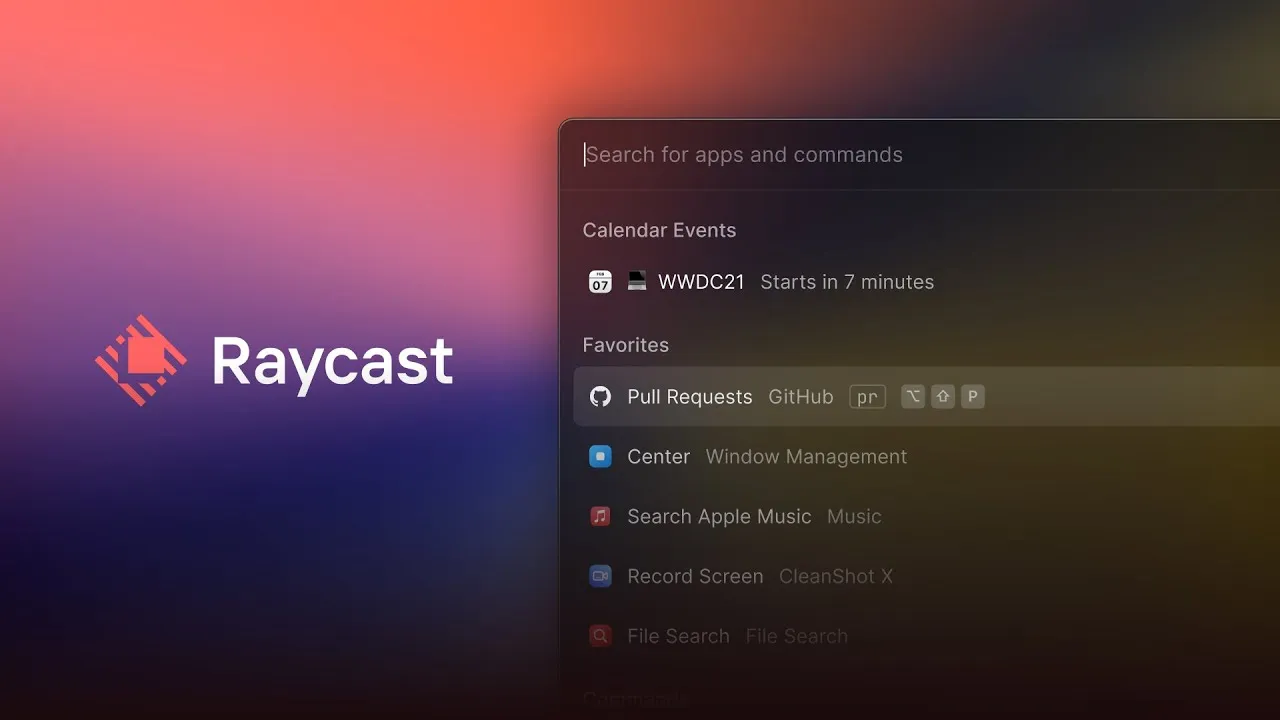
While there are some pretty impressive programs to improve the search experience on Windows, the emphasis that MacOS puts into spotlight search is unparalleled. That’s why I was even more surprised that there was an option to make spotlight search even more powerful with a project known as Raycast.
The real power of Raycast comes from its extensions. It’s easy to install these extra pieces of functionality into Raycast, elevating it from being “just a clone of spotlight search” to an invaluable tool. Instead of just being able to search your computer or the web, you can also use these extensions to hook right into other tools, such as Notion and Bitwarden. For instance, I can, see a preview of any file in my Notion workspace or search my Bitwarden vault for any of my passwords and copy it to my clipboard.
Other extensions can also give you more control over your computer itself. Some of my favorites include the color picker (something that I previously needed a Chrome extension for) and the Homebrew extension. None of this power requires any advanced configuration either — it’s just a well-designed app with a great user interface. And by replacing the spotlight search shortcut (cmd-space) with Raycast, your same muscle memory can transfer over seamlessly.